Introduction
As Laravel applications grow, controllers often become bloated with business logic.
Laravel 11 encourages clean architecture, and one of the best practices is using the Service Pattern.
In this post, we’ll build a very small and practical example that shows:
- Why services are useful
- How to keep controllers clean
- How to structure Laravel 11 code properly
This example is beginner-friendly and works the same in Laravel 11 and Laravel 12.
Problem: Fat Controllers
A common mistake is writing logic directly inside controllers:
public function store(Request $request)
{
    // validate
    // calculate total
    // save payment
    // send email
}
This becomes hard to:
- Maintain
- Test
- Reuse
Solution: Service Pattern
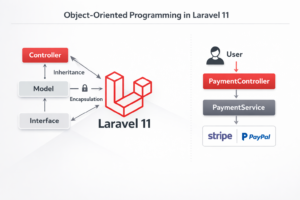
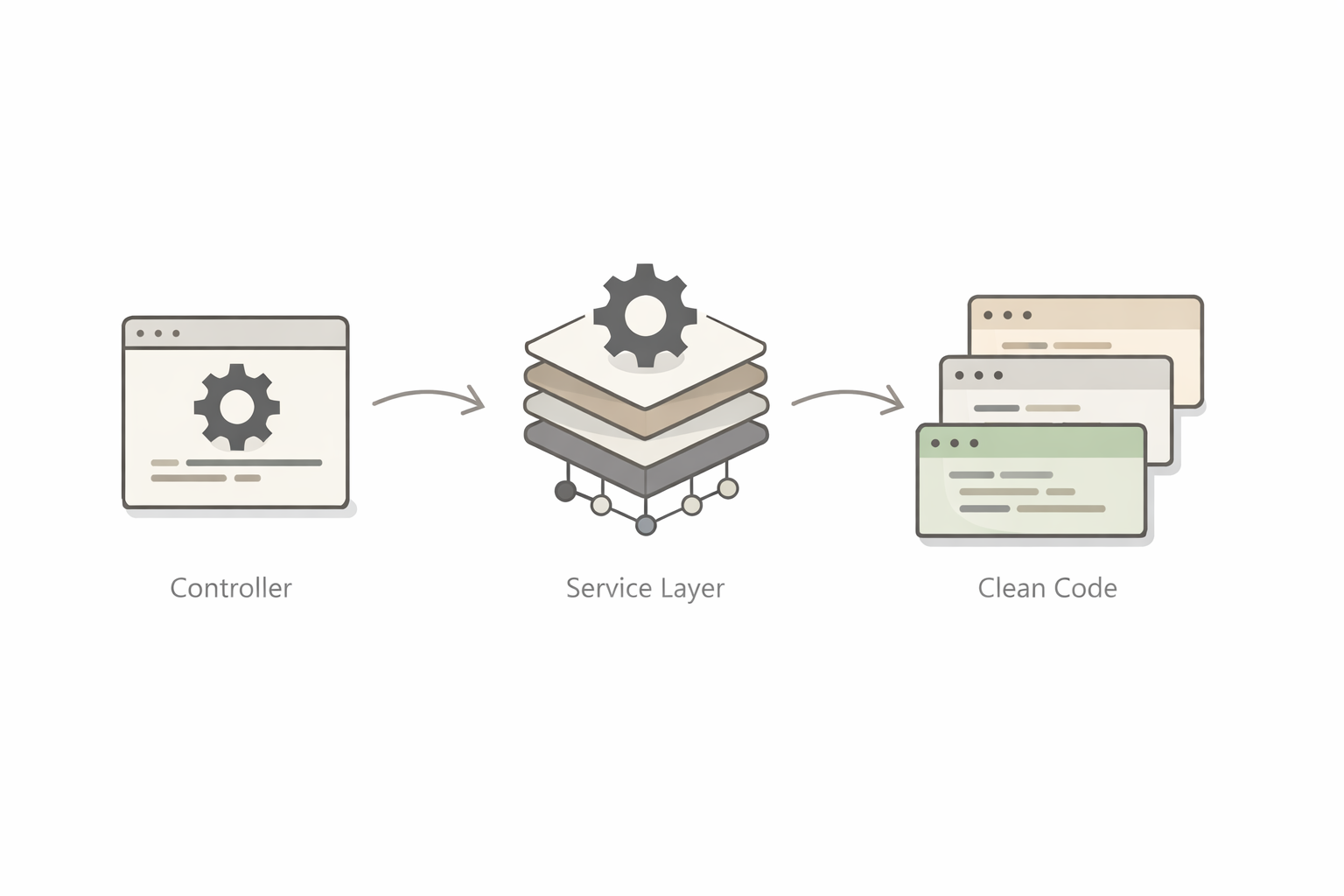
We move business logic into a Service class, keeping controllers thin and readable.
Use Case: Simple Payment Processing
We’ll create:
- Controller
- Service
- Clean structure
Step 1: Create the Service
app/Services/PaymentService.php
<?php

namespace App\Services;

class PaymentService
{
    public function process(array $data): string
    {
        // Business logic
        $amount = $data['amount'];

        if ($amount <= 0) {
            return 'Invalid payment amount';
        }

        // Simulate payment success
        return 'Payment processed successfully';
    }
}
Step 2: Use Service in Controller
app/Http/Controllers/PaymentController.php
<?php

namespace App\Http\Controllers;

use Illuminate\Http\Request;
use App\Services\PaymentService;

class PaymentController extends Controller
{
    public function store(Request $request, PaymentService $paymentService)
    {
        $request->validate([
            'amount' => 'required|numeric'
        ]);

        $result = $paymentService->process($request->all());

        return response()->json([
            'message' => $result
        ]);
    }
}
Step 3: Define Route
routes/web.php
use App\Http\Controllers\PaymentController;

Route::post('/payment', [PaymentController::class, 'store']);
Why This Is Better
✔ Controller only handles HTTP
✔ Business logic lives in service
✔ Easy to reuse the service
✔ Easier testing
✔ Clean and professional codebase
Folder Structure
app/
 ├── Http/Controllers/PaymentController.php
 ├── Services/PaymentService.php
routes/
 └── web.php
When Should You Use Services?
Use services when:
- Logic is reusable
- Controller gets large
- Business rules exist
- You plan to scale the app
Conclusion
The Service Pattern is one of the simplest ways to write clean Laravel 11/12 applications.
It keeps your code readable, testable, and professional — even in small projects.
This pattern is widely used in enterprise Laravel systems.